
How to Handle a Failed Delivery Attempt the Right Way
A failed delivery attempt can create extra work, customer frustration, and repeat route problems. For that reason, the response should follow a clear process.
First, identify why the attempt failed. Next, record the cause correctly and check whether the issue can be fixed in real time.
Then use the information to prevent the same problem on future routes. A consistent process gives drivers and dispatch a shared set of steps to follow.
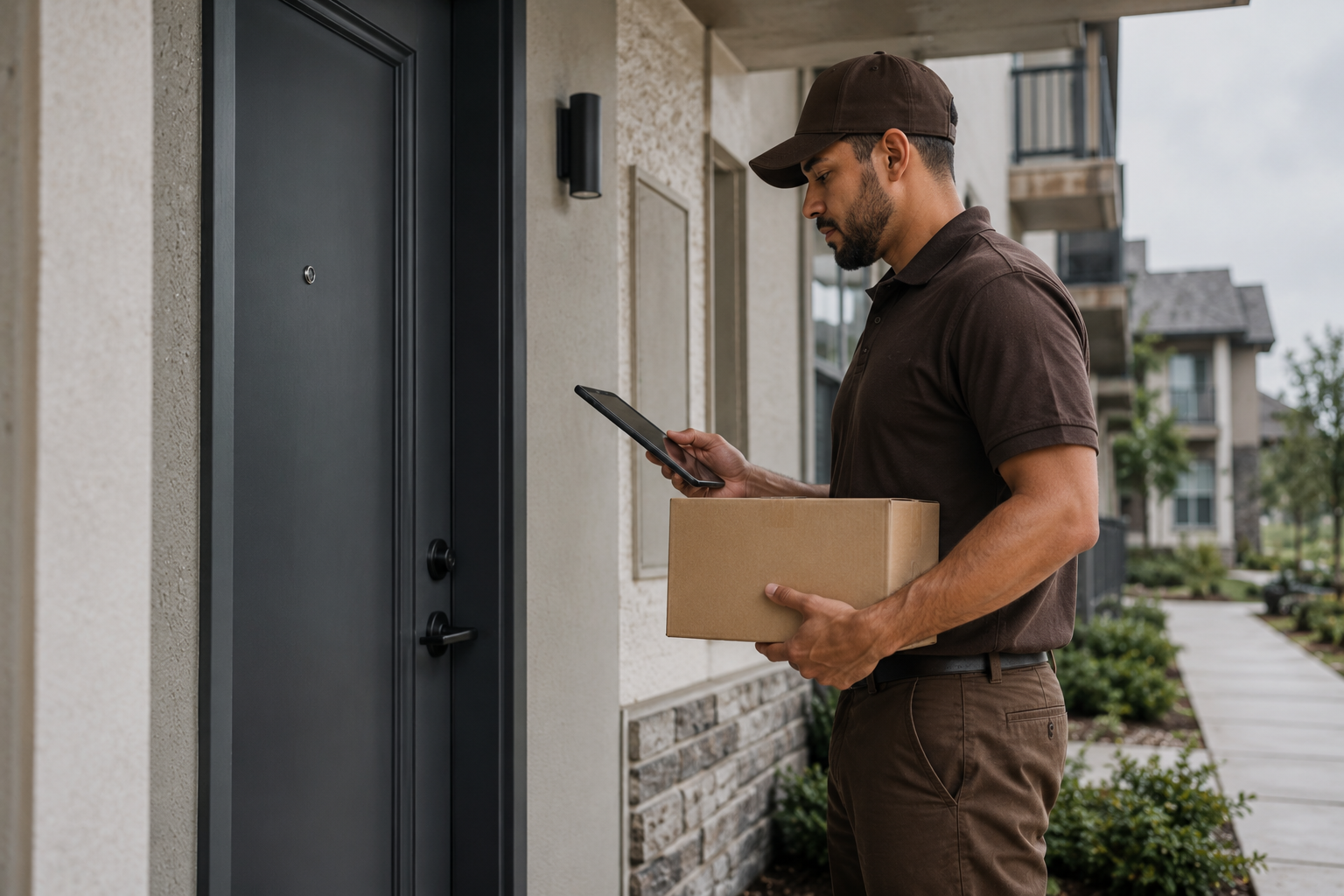
A failed delivery attempt becomes useful operational data when the cause is recorded and reviewed.
Failed Delivery Attempt Causes and Fixes
Understanding why a failed delivery attempt occurs is the first step to preventing the next one. Most DSPs attribute failed attempts to customer unavailability. However, that is accurate but too broad to act on.
In fact, customer unavailability breaks into specific sub-causes. For example, incorrect access information is one. No safe package location is another. A customer not home during the delivery window is a third. As a result, each has a prevention measure a structured protocol can address before the driver leaves the station.
Customer and Delivery-Point Causes
Route, Access, and Weather-Related Causes

Most failed delivery attempt causes are addressable before the driver leaves the station — with the right briefing, access information, and training in place.
#3. The Failed Delivery Attempt Response Protocol
A response protocol defines exactly what happens at each stage. Specifically, it covers the moment a driver determines a delivery cannot be completed through to the moment the package is redelivered or returned with a complete record.
Without a documented protocol, every failed delivery attempt gets handled differently. As a result, pattern analysis becomes impossible. In addition, complaint responses become inconsistent. However, a protocol every driver knows and follows produces a consistent record — one that protects the DSP and generates data to reduce the rate over time.
Failed Delivery Attempt Steps 1–3: Try to Complete the Delivery
Failed Delivery Attempt Steps 4–6: Document and Close Out
A failed delivery attempt that is correctly documented, coded, and reviewed is an operational learning. In contrast, the same event handled without documentation is simply a cost that will repeat.
Last Mile Insights — Failed Delivery Attempt Protocol#4. Documentation That Protects the DSP
Failed-attempt documentation gives the team a clear record of what happened. It can also help managers answer customer questions and find repeat route problems.
A useful record shows the specific cause, the contact or access issue, and the follow-up action. That makes the event easier to review later.
Why Documentation Is the DSP's Primary Protection
Incomplete records create gaps. Therefore, keep the cause, location details, contact attempt, and station follow-up as clear as possible.
Failed Delivery Attempt Records: Incomplete vs Useful
What a Complete Record Should Show
For general public guidance on business recordkeeping and customer-facing practices, review the Federal Trade Commission business guidance. This public government resource does not indicate any business affiliation.

Complete failed delivery attempt documentation protects the DSP against complaints, scorecard disputes, and recurring failures at the same address.
#5. Reducing the Failed Delivery Attempt Rate — The Prevention System
The response protocol handles what happens after an attempt fails. In contrast, the prevention system handles what causes attempts to fail before the driver leaves the station.
In fact, the prevention system is built entirely from the data the response protocol generates. Therefore, correct documentation and cause coding are prerequisites. Without them, prevention is guesswork.
Consequently, a DSP that skips consistent documentation cannot identify which causes are most common, which routes generate the most failures, or which drivers need additional training.
Three Systems That Reduce Failed Delivery Attempt Rates
Three systems that reduce failed delivery attempt rates without adding headcount or cost.
First, review failed attempts on a regular schedule. Identify the most common causes and assign an owner to each follow-up.
Second, keep shared access notes current. Update gate codes, building instructions, and other useful route details.
Third, use driver briefings to address the most common causes. Keep the guidance specific to what the team is seeing.
Together, these habits turn failed-attempt data into practical improvements. For more support, visit our services page.

The failed delivery attempt prevention system turns documented failure data into improvements that stop the same failures from recurring.
Track It as a Standalone Metric — Not Just a Scorecard Component
The failed delivery attempt rate should be tracked weekly — by cause, by route, and by driver. As a result, the DSP has what it needs to make specific improvements rather than general coaching calls.
For guidance on driver briefing practices that reduce failed attempts at the source, see our post on how to build a morning stand-up that actually works.
In addition, for documentation practices that protect the DSP across all operational events, see our guide on handling delivery associate complaints the right way.

Last Mile Insights Staff
Last Mile Insights publishes practical guidance for delivery service owners and operations managers covering driver management, routes, compliance, and operational growth. Published by Last Mile Support.